
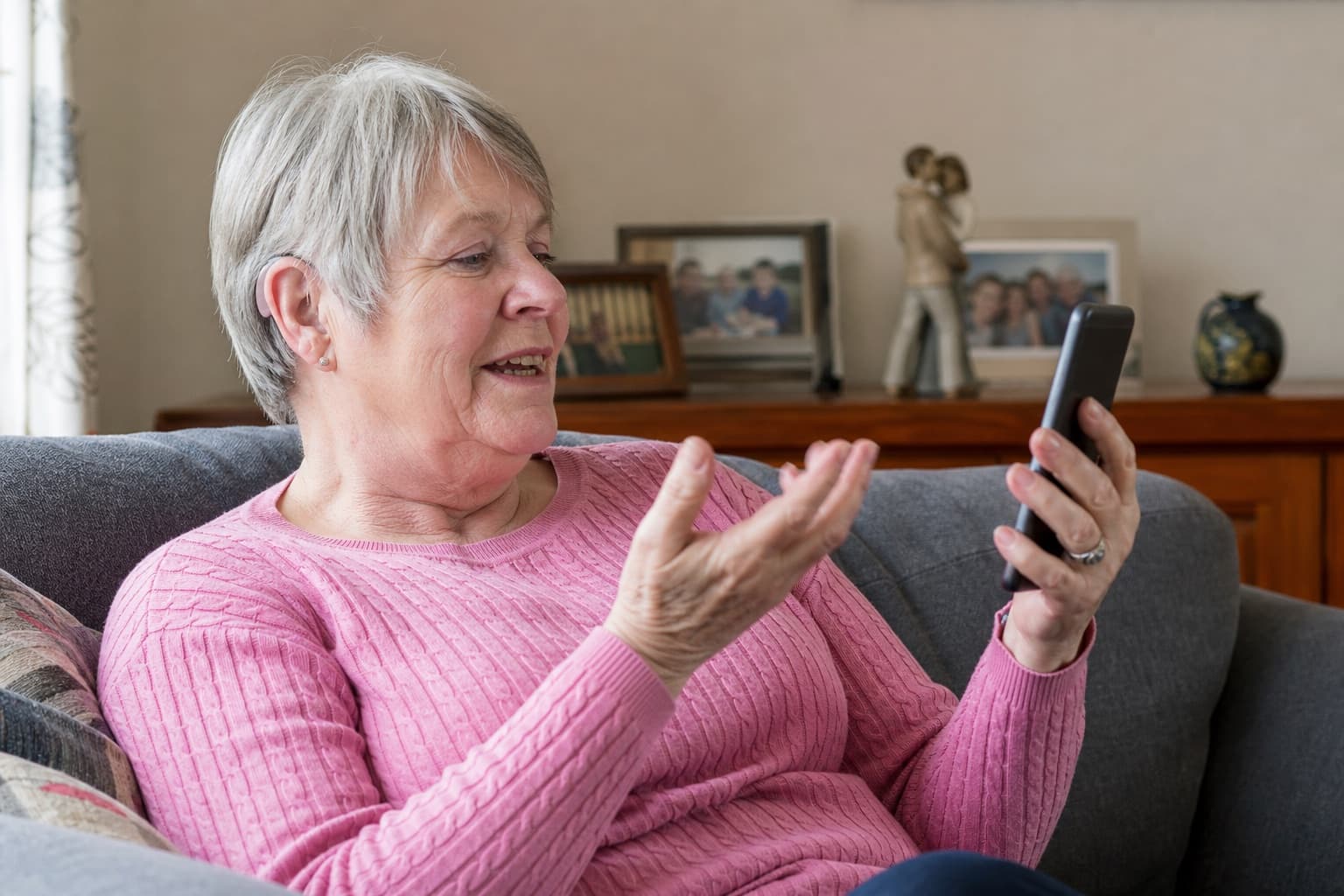
Bluetooth hearing aids can stream calls, music, video and navigation audio, connect to an app or work with television and microphone accessories. But Bluetooth-compatible does not mean every feature works with every phone. App control, audio streaming and hands-free calls can each have different requirements.
Choose the hearing aid for your hearing and everyday listening needs first. Then check connectivity on the exact combination of hearing aid, phone model and software. Hear Better compares Bluetooth and rechargeable hearing aids from major manufacturers and can test important functions using the phone you actually own.
What can Bluetooth hearing aids do?
Depending on the model and connected device, Bluetooth hearing aids may:
- stream incoming call audio to one or both aids
- stream music, podcasts, video and navigation instructions
- use the hearing-aid microphones for hands-free calls
- provide app controls for volume, programs and battery status
- connect to a television streamer or remote microphone
- support remote adjustments where the model, app and provider enable them
- receive Auracast broadcast audio where the complete setup is compatible
Those capabilities are not one package. A phone may control the app but not stream audio. Another may stream the caller's voice but still require you to speak into the phone microphone.
Four claims that do not mean the same thing
Works with the app
You may be able to change settings. This does not prove that calls or music stream to the aids.
Direct streaming
Audio can reach the aids without a neckloop or intermediary device. Voice pickup during calls is a separate question.
Hands-free calls
The aid microphones may pick up your voice, but only on supported aid, phone and software combinations.
Auracast ready
Future or current broadcast capability still depends on enabled hearing aids, firmware, a controller and a compatible transmitter.
Will Bluetooth hearing aids work with my phone?
Compatibility depends on at least five things:
- The exact hearing-aid model and generation.
- The phone manufacturer and exact model.
- The phone operating-system version.
- The hearing-aid firmware and app version.
- The task you expect to perform.
The last point is easily missed. “Can I connect the app?” and “Can I make a two-way hands-free call?” are different compatibility questions.
Compatibility is a task, not a badge
Choose a device or use case. The questions on the right are the ones that should be answered for your exact setup before purchase.
iPhone
Made for iPhone support can provide direct streaming and controls, but two-way hands-free calling is still model-specific.
What may be available
- Stream calls, music and media to both aids
- Control presets, volume and battery status
- Use supported accessibility features such as Live Listen
Confirm before choosing
- Exact hearing-aid model appears on Apple's or the manufacturer's list
- Your iPhone and iOS version meet the requirements
- Whether your voice uses the aid microphones or the phone microphone
Bring the phone you actually use. Test an incoming call, outgoing call and media stream rather than accepting “Bluetooth compatible” as the answer.
Manufacturer compatibility lists can change as phones and software are updated. Check the current list shortly before ordering and test again at the fitting.
How do Bluetooth hearing aids work with iPhone?
Many prescription hearing aids use Apple's Made for iPhone, or MFi, system. Compatible aids are paired through Settings, Accessibility, Hearing Devices rather than treated exactly like ordinary headphones.
On supported combinations, MFi can provide:
- direct call and media streaming
- hearing-aid battery status and basic controls
- audio routing to the left aid, right aid or both
- Live Listen, which can use the iPhone as a remote microphone
- switching between supported Apple devices in the same account and network
Hands-free calling still needs checking. Apple's current Made for iPhone hearing-device list distinguishes devices with bidirectional streaming, which allows the hearing-aid microphones to carry your voice, from devices that provide one-way streaming.
Do not confuse Apple's Hearing Aid Compatibility setting, MFi streaming and telecoil compatibility. They solve different connection or interference problems.
How do Bluetooth hearing aids work with Android?
Android compatibility varies more by handset. A recent Android version alone does not prove that a particular aid will stream.
Common routes include:
- ASHA, Audio Streaming for Hearing Aids, for direct low-energy streaming on supported phone and hearing-aid combinations
- Bluetooth LE Audio, used by some newer combinations and capable of newer audio functions
- a manufacturer's implementation of standard Bluetooth profiles
- an intermediary clip or USB accessory where direct streaming is unavailable
Google recommends checking the hearing-aid connection options in Android's Connected Devices or Accessibility settings, but also notes that features differ by Android version. The hearing-aid manufacturer remains the better source for the exact phone and aid pairing.
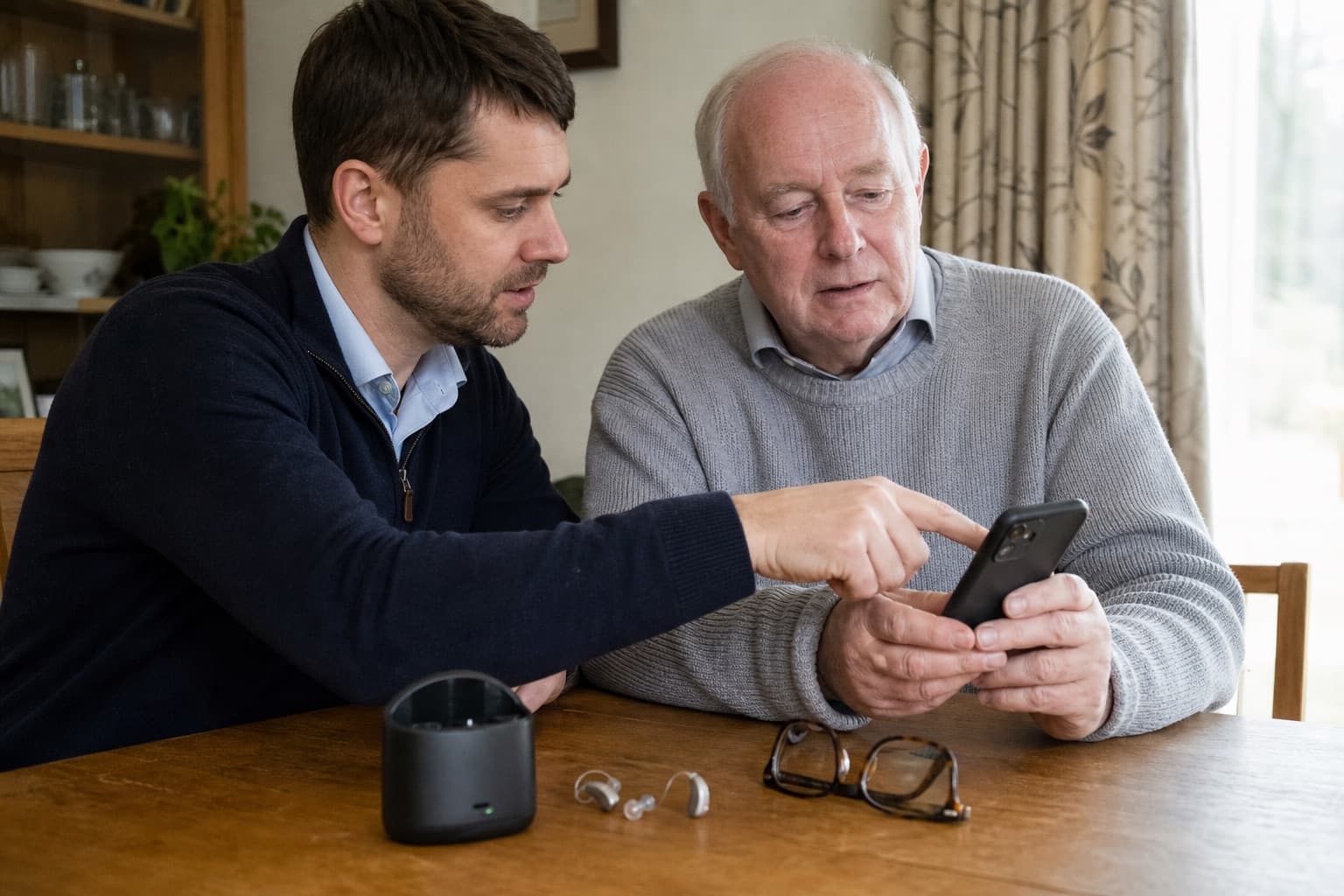
App control, audio streaming and hands-free calls can have different compatibility requirements, even on the same phone.
Bring the precise phone, not just the model family name. For example, two phones sold under the same brand can use different Bluetooth hardware or software. Test app controls, incoming calls, outgoing calls and media separately.
Can I make hands-free calls through hearing aids?
Sometimes. There are two common experiences:
- Call audio streams to the hearing aids, but the phone microphone carries your voice. You may need the phone on a table or near your mouth.
- The aids act as a two-way headset. You hear the caller through the aids and supported hearing-aid microphones pick up your voice.
Ask the provider to demonstrate an incoming and outgoing call using your phone. Check:
- whether both aids receive the call
- where your voice is picked up
- how calls are answered and ended
- whether WhatsApp, FaceTime, Teams or another important calling app behaves the same way
- what happens when another paired device is nearby
“Streams phone calls” does not automatically mean “hands-free”.
Can Bluetooth hearing aids stream music and video?
Compatible aids may stream music, podcasts, video and navigation audio much like wireless earphones. Sound is still shaped by the hearing-aid prescription and the small receivers used for hearing support, so the experience is not identical to large music headphones.
Check whether:
- audio streams in stereo to two aids
- the environmental microphones remain on
- the balance between streamed sound and room sound can be changed
- video sound stays acceptably synchronised
- notifications interrupt the audio
- the runtime is suitable for the amount you stream
Streaming uses additional power. Compare battery life under your real pattern, especially if calls or television will be used for several hours. Our rechargeable versus replaceable-battery guide explains the wider power decision.
Can Bluetooth hearing aids connect to a television?
Often, but the television's ordinary Bluetooth menu is not always the best or supported route. Hearing-aid manufacturers commonly offer a dedicated television connector that sends audio to compatible aids.
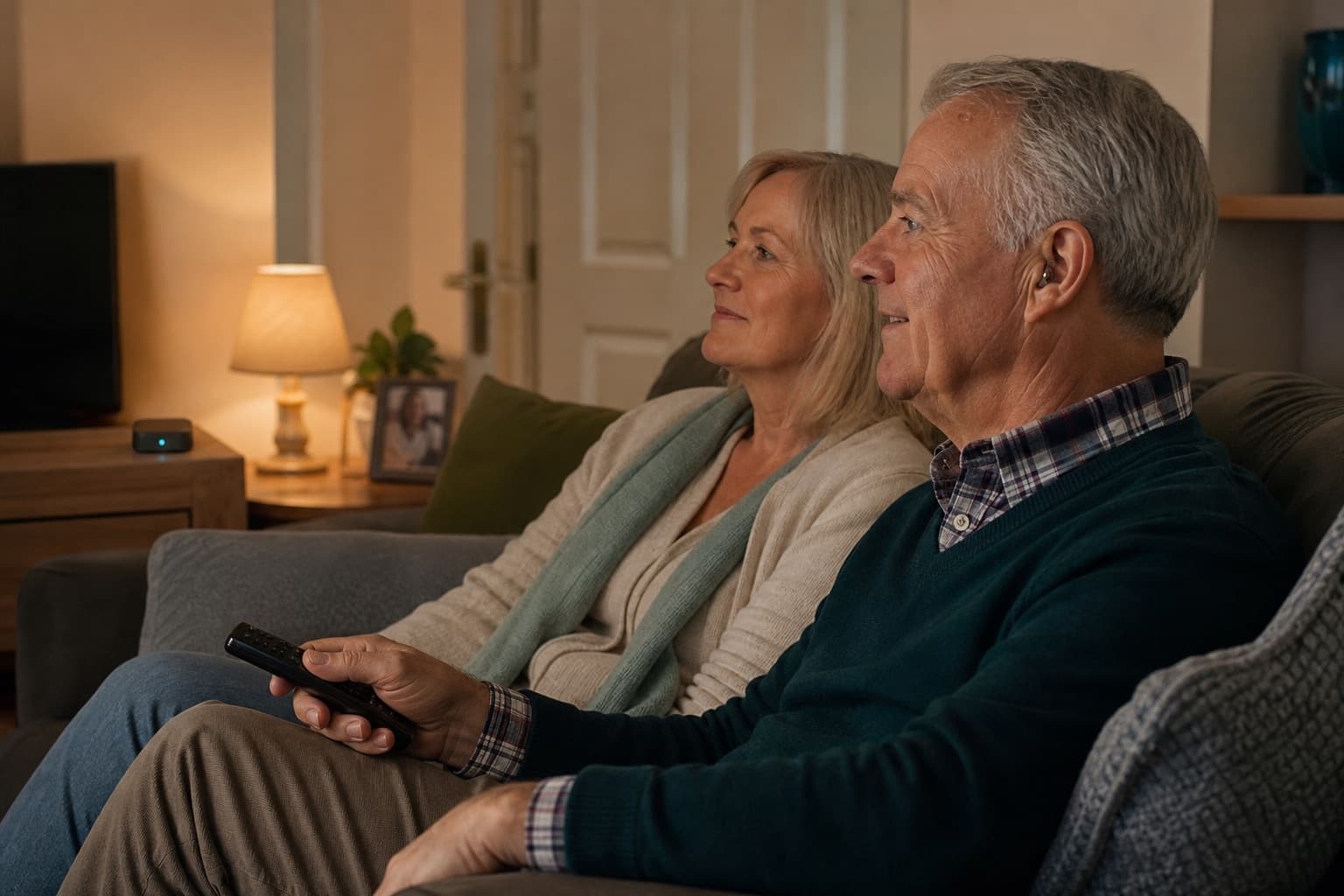
A dedicated TV connector can stream to compatible aids while the normal television speakers remain available for other viewers.
A TV connector may let the hearing-aid wearer set their own streamed level while the normal speakers remain comfortable for everyone else. Before buying, confirm:
- which connector works with the exact aids
- whether it is included in the quote
- how it connects to the television
- whether both aids receive the stream
- whether normal speakers continue to work
- whether room sound remains audible
- whether more than one hearing-aid user can listen
If television is an important reason for changing aids, test the complete chain rather than choosing from a brochure.
What is a Bluetooth remote microphone?
A remote microphone is placed near the person you want to hear and sends their voice to compatible hearing aids. It can improve the speech signal where distance and noise are the main problems, such as across a meeting table, in a car or at a family gathering.
It is not the same as claiming that Bluetooth removes background noise. The result still depends on placement, distance, microphone settings, room acoustics and the hearing loss.
Some iPhone and MFi combinations also support Apple's Live Listen, which uses the phone as a remote microphone. A dedicated accessory may be more convenient or robust for repeated use, so compare the actual situation.
What are LE Audio and Auracast?
Bluetooth LE Audio is a newer Bluetooth audio system designed for efficient audio and newer use cases. Auracast is a broadcast feature built on Bluetooth LE Audio. In principle, a compatible transmitter in a venue, television or public space can broadcast audio that a compatible listener selects.
This may become useful in theatres, stations, places of worship, meeting rooms and public counters. However, an Auracast ready label is not proof that the complete feature works today.
Confirm all four parts:
- The hearing aids support the required Auracast function.
- The hearing-aid firmware has it enabled.
- A compatible phone or controller can select the broadcast.
- The venue or television has a working Auracast transmitter.
The Bluetooth Special Interest Group's Auracast overview explains the intended broadcast use cases. Treat it as a compatibility chain, not a single product badge.
Can hearing aids be adjusted remotely?
Some manufacturer apps support remote appointments or remote fine-tuning. Availability depends on the hearing-aid model, app, account, country and whether the hearing-care provider offers and enables the service.
Remote adjustment can be useful when an everyday listening problem is difficult to reproduce in a clinic. It does not replace every in-person check. Ear health, physical fit, wax, hardware faults and some verification procedures still require appropriate hands-on assessment.
If remote support matters, ask:
- whether your exact aids and phone support it
- whether the provider actively offers it
- which adjustments can be made remotely
- what happens if the app or connection fails
- whether home or face-to-face support remains included
Hear Better provides advice by phone or email and home service call-outs for hearing aids supplied through the service. Model-specific remote functions can be discussed during selection and fitting.
What are the disadvantages of Bluetooth hearing aids?
Bluetooth can be useful, but it adds dependencies:
- streaming can reduce battery runtime
- pairing may be disrupted by phone, app or firmware updates
- the app may collect account, device or usage information
- controls can be confusing if several Bluetooth pairings appear
- a phone replacement can change compatibility
- television, computer or remote-microphone use may need paid accessories
- smaller custom aids may offer fewer wireless or antenna options
Bluetooth is not evidence that one hearing aid gives better speech understanding than another. Prescription, physical fit, verification, microphone performance and aftercare remain fundamental.
Compatibility checklist before buying
Write down the exact phone model and operating-system version, then test:
- Pairing and automatic reconnection.
- An incoming and outgoing ordinary phone call.
- Whether your voice uses the phone or aid microphones.
- Music or video streaming to both aids.
- The manufacturer's app controls and text size.
- Any important calling app such as WhatsApp or FaceTime.
- Television or remote microphone accessories.
- Battery use during a realistic period of streaming.
- Control without the app.
- The support route after a software update.
What if the connection stops working?
Start with the least disruptive checks:
- Confirm the phone and aids still have power and are close together.
- Turn Bluetooth off and on.
- Close and reopen the manufacturer app.
- Restart the phone and restart the aids using the manufacturer's instructions.
- Check for known app, phone or hearing-aid updates.
- Remove and re-pair only after noting any provider instructions.
If the problem began immediately after an update, check the manufacturer's support notice or compatibility checker before repeatedly resetting devices. Preserve the hearing-aid program and ask the provider for help if the connection is not restored.
Choosing connected hearing aids with Hear Better
Hear Better provides private hearing tests, hearing-aid recommendations, fitting and aftercare at home across the North East service area. Liam Robson is an HCPC-registered hearing aid dispenser, registration HAD03779.
Because the service is independent, phone, television and remote-support needs can be considered across major manufacturers alongside hearing results, comfort, dexterity and budget. The service includes a free hearing test every 12 months, advice by phone or email and unlimited service call-outs to help keep supplied aids working for their lifetime. Repairs, loss, accidental damage and replacement parts remain subject to the written terms.
Explore hearing aids fitted at home across the North East, or request a free home hearing test before deciding which connectivity features are genuinely useful.
Frequently asked questions
Do all Bluetooth hearing aids work with every phone?
No. Check the exact hearing-aid model, phone model, operating system, firmware and intended function. App control, streaming and hands-free calling can have different compatibility requirements.
Do Bluetooth hearing aids work with iPhone?
Many prescription aids support Apple's Made for iPhone system, but features differ by hearing-aid generation and Apple device. Check the current MFi list and whether bidirectional hands-free streaming is supported.
Do Bluetooth hearing aids work with Android?
Many do, but Android support depends heavily on the handset. Direct streaming may use ASHA, Bluetooth LE Audio, another Bluetooth implementation or an accessory. Use the manufacturer's exact compatibility checker.
Can I answer calls through my hearing aids?
On supported setups, yes. Some aids let you answer using an aid button or tap control. Confirm whether the hearing-aid microphones also carry your voice or whether you still need to speak into the phone.
Do I need a smartphone to use hearing aids?
No. Essential amplification should not depend on constant smartphone use. Ask how volume, programs and support work without an app if you prefer not to use one.
Does Bluetooth drain hearing-aid batteries?
Wireless streaming normally uses more power than ordinary listening. The impact depends on the model, prescription, streaming time, volume and battery condition.
Can Bluetooth hearing aids connect to two devices?
Some combinations can remember or switch between several devices, but simultaneous connections and automatic switching vary. Test the phone, tablet, computer or television combination you expect to use.
Are Bluetooth hearing aids more expensive?
Bluetooth is available across many current technology levels, but the complete price can increase if television connectors, remote microphones or other accessories are needed. Compare the whole quote and included aftercare.